How to Set Up an Ergonomic Home Office in a Small UK Flat
A second bedroom measuring just over two metres square. A desk wedged under a window with a radiator beneath it. A dining table that turns into an office until six o'clock. Most UK flats were not built with a workspace in mind, and that shapes what good ergonomics can realistically look like.
The principles do not change because the room is small. Your feet still need the floor, your elbows still need to sit at roughly keyboard height, and your screen still needs to be far enough away that you are not leaning in to read it. What changes is the order in which you make decisions, and how ruthless you are about what earns a place in the room.
Measure the room before you buy anything
Three numbers matter more than any product description: your seat height, your desk height and your viewing distance. Work those out first, then measure the space.
Wall width is the obvious measurement, but depth is the one that trips people up. Your chair needs roughly 80 to 100 cm behind the desk edge to roll back and let you stand up without clambering. In a narrow room, that figure often decides the whole layout. A desk on castors or a drop-leaf design may serve you better than a wider top you cannot get behind.
Desk depth matters too. Sixty centimetres is a sensible minimum for a monitor plus keyboard, and 70 to 80 cm is comfortable. Many slim desks are only 45 cm deep, which is fine for a laptop and a notebook but cramped the moment you add a separate screen. Sketch the room on paper with the door swing, window, radiator and any chimney breast marked. Ten minutes of drawing prevents the classic mistake of buying a desk that fits the wall but blocks the doorway.
Sort the chair first, then the desk
Get the chair right before you worry about anything else, because most desk problems are really chair problems. Set the seat height so your feet rest flat and your knees sit roughly level with your hips — slightly lower is fine. Sit right back so the curve of the backrest meets your lower back rather than your shoulder blades. Armrests should slide under the desk; if they bump the underside, lower them or take them off.
Now the desk. Aim for forearms roughly parallel to the floor, elbows at about 90 degrees, shoulders relaxed, with the keyboard and mouse close enough that you are not reaching. Most fixed UK desks sit somewhere around 72 to 74 cm, which suits taller people better than shorter ones. If you are shorter, raise the chair and add a footrest so your feet still have something solid under them. If you are taller, look for adjustable legs, or use sturdy risers under the desk feet — and test for wobble before you trust one with a monitor.
A note on second-hand chairs
Ex-office chairs from refurbishers are often better value than a new budget model, and they usually offer far more adjustment. Check that the gas lift holds, the armrests move and the castors are not chewed up. A chair that fits you beats a chair that matches the room.
Monitor distance and height when you cannot sit far back
Aim for the screen roughly an arm's length away, in the region of 50 to 70 cm, with the top of the display at or just below eye level so you look slightly down. In a tight room the temptation is to shove the desk against the wall and sit too close. A monitor arm clamped to the back edge of the desk is the single best fix: it clears the surface and lets you push the screen back over the wall-side edge, or swing it aside when you need to write.
If the screen still feels near, a slightly smaller display can help, as can sitting at an angle in a corner where the diagonal gives you more distance. Watch the window, too. Sitting side-on to it is usually the kindest position — facing it washes out the screen, and sitting with your back to it turns you into a silhouette on video calls.
Working on a laptop
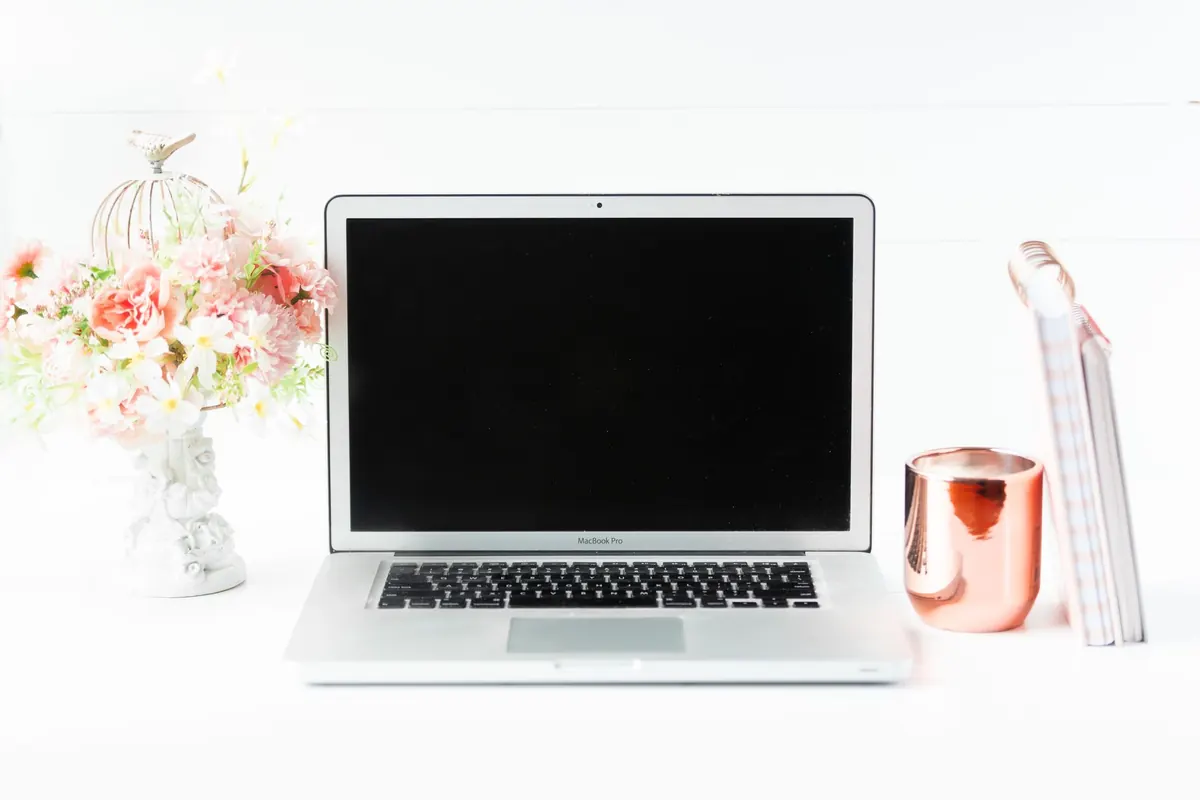
A laptop forces a compromise: either the screen is the right distance or the keyboard is at the right height, rarely both. A riser plus a separate keyboard and mouse solves it properly. If surface space runs out, a slim keyboard on a lap tray is not ideal, but it is far better than a permanently bent neck.
Use the walls, and keep the floor clear
In a small flat, wall space is your shelving. Floating shelves above the monitor, a pegboard for cables and stationery, drawers on castors that tuck under the desk when not in use. Leave at least 50 cm of clear space beneath the desk for your knees and legs, and check that nothing hot or sharp — a radiator being the usual offender — sits against your legs.
Run cables along the back of the desk with clips or trunking rather than across a walking route. A trailing extension lead in a doorway is a genuine trip hazard, especially in a rental where you cannot chase cables into the wall. For lighting, a task lamp placed to one side of the screen and angled at the desk gives you light without reflections. If you are on carpet, castors will sink; glides or a chair mat help. On wood flooring, a rug protects the finish and softens the noise for whoever lives below.
Movement matters more in a small room
Small rooms encourage you to stay put, which is the opposite of what your body wants. Set a timer for 30 to 45 minutes, stand up, walk to the kitchen for water, and use a doorway for a chest stretch. If you have room, a compact sit-stand converter or a tall shelf used as a standing spot breaks up the day. If you do not, take phone calls standing — it costs nothing and uses no floor space.
If you develop persistent neck, wrist or back pain, speak to a GP or physiotherapist rather than endlessly tweaking your chair on your own. Adjusting furniture helps, but it is not a substitute for proper advice.
Set it up in this order
- Chair: feet flat, knees level with hips, back supported, armrests clear of the desk.
- Keyboard and mouse: elbows around 90 degrees, forearms level, nothing out of easy reach.
- Screen: arm's length away, top edge just below eye level, angled to avoid window glare.
- Light and cables: lamp to one side, cables tidied away from walkways.
- Re-check after a week: tweak in small increments rather than starting over.
You will probably adjust those first three points two or three times before the setup feels right, and that is normal. A footrest, a monitor arm and a decent lamp cost far less than replacing everything, and in a small flat those small changes are often the whole difference between a desk you avoid and one you are glad to sit down at.
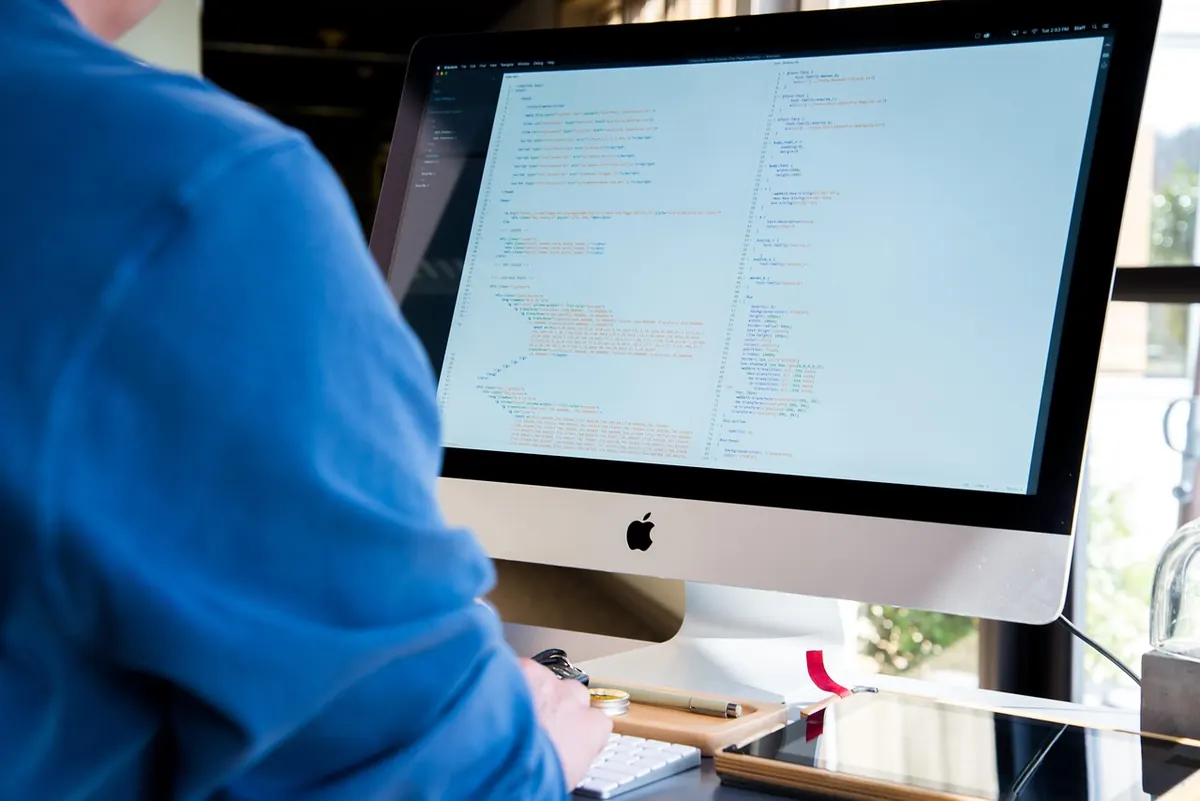
Photo: Pexels / Pixabay